How to Recover a Hacked Instagram Account
I realized my Instagram account was hacked when I suddenly got logged out and my password stopped working. At first, I thought I had typed it wrong. But when I tried resetting it, I saw that the recovery email had been changed to something I didn’t recognize.
Panic kicked in. My Instagram wasn’t just personal — it was connected to my small business, clients, and years of content. Losing access felt devastating.
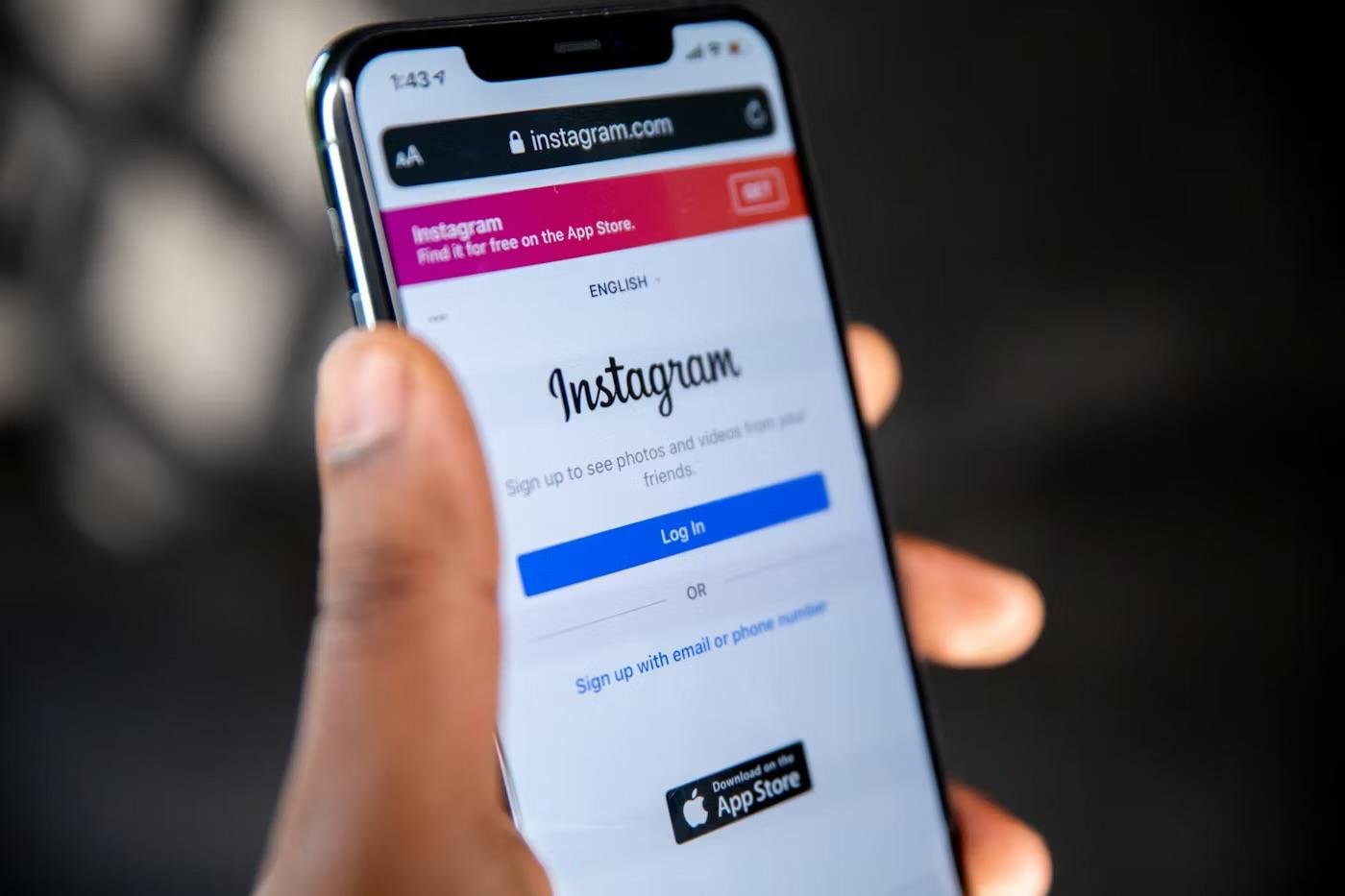
Instead of guessing passwords repeatedly, I opened the Instagram app and tapped “Forgot password?”. Then I selected “Need more help?” and chose the option that said my account had been hacked.
Instagram asked me to verify my identity. In my case, they requested a short video selfie to confirm that I was the real account owner. Within a few days, I received an email confirming my identity and instructions to reset my password securely.
At the same time, I secured my email account, changed all related passwords, and enabled two-factor authentication everywhere. I also checked my login activity inside Instagram settings to make sure no unknown devices remained connected.
The biggest lesson I learned was speed matters. The faster you report the hack using Instagram’s official tools, the higher your chances of recovery. Avoid third-party “hack recovery” services that ask for payment — Instagram’s official process is free and safer.