
How to Remove Apple ID from an iPhone
I once bought a second-hand iPhone that looked perfectly fine — until I tried setting it up. The device was still linked to the previous owner’s Apple ID. The screen asked for their password, and without it, I couldn’t use the phone properly.
At first, I searched online for “quick bypass solutions,” but I quickly realized most of them were scams or unsafe tools. Apple’s Activation Lock is designed specifically to prevent unauthorized access. The only legitimate way to remove an Apple ID is through official methods.
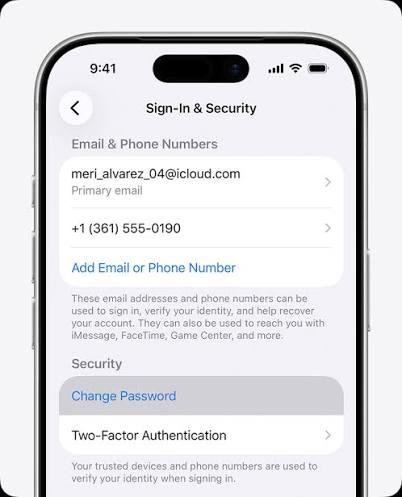
If you know the Apple ID password, the process is simple:
- Go to Settings.
- Tap the Apple ID name at the top.
- Scroll down and select Sign Out.
- Enter the password to confirm.
If the password is forgotten, you can reset it by visiting iforgot.apple.com and following the identity verification steps. Once the password is reset, you can sign out normally.
In my case, I had to contact the previous owner. They logged into iCloud remotely and removed the device from their account through Find My → Devices → Remove from Account. Once they did that, the phone was free from Activation Lock.
Apple also allows removal of Activation Lock with official proof of purchase. If you have a valid receipt showing the device was legally bought, Apple Support can review your case.
The most important lesson I learned is this: never buy a second-hand iPhone without confirming that the Apple ID has been removed. Activation Lock cannot be bypassed legally — and any service promising to do so should be treated with caution.